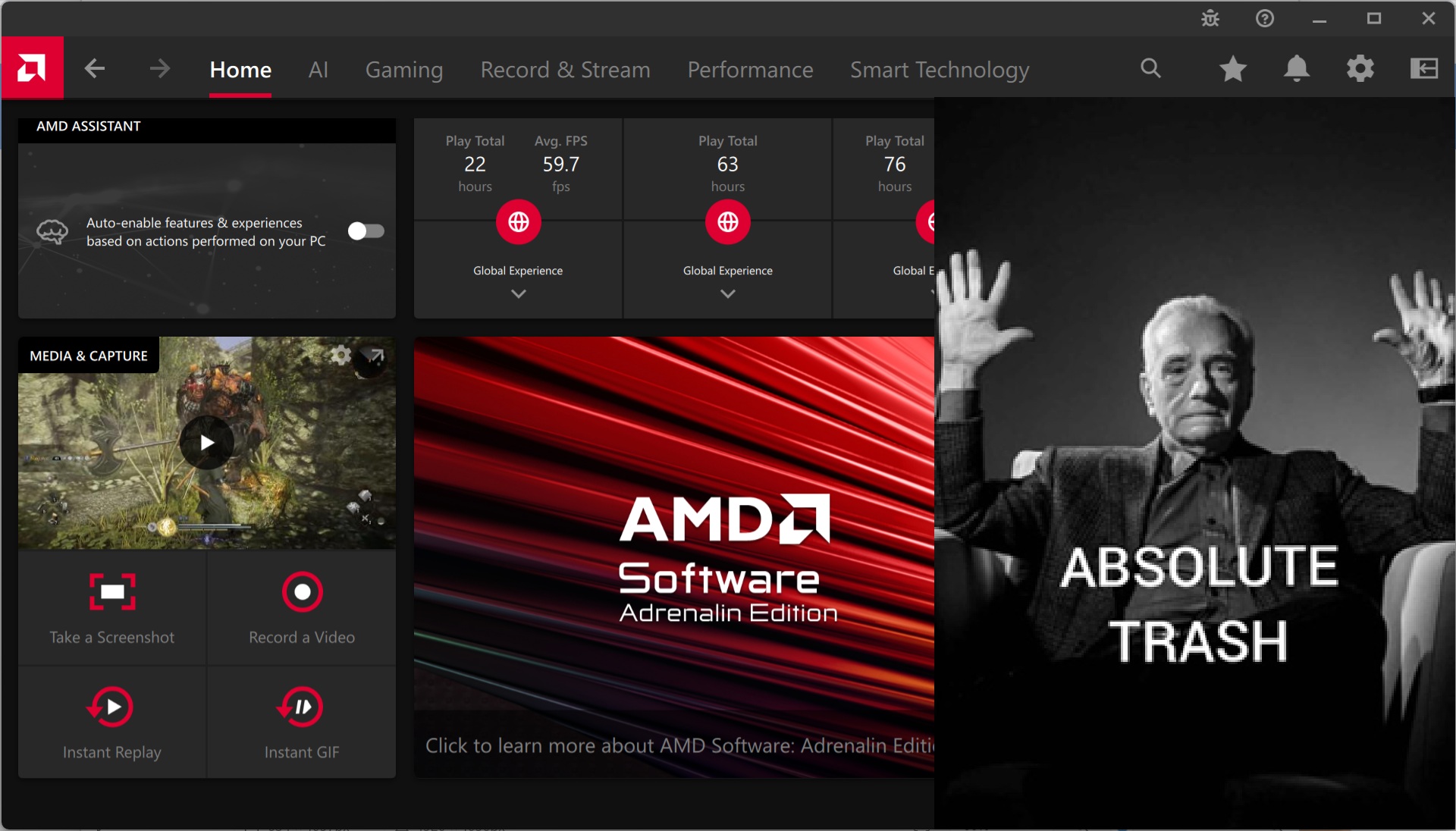
A while back, I made the switch to an AMD graphics card. I had seen all of the reviews saying how bad the drivers were, including driver timeouts and longstanding bugs that have never been fixed. I wanted to share my own experiences with my RX 9070, and all this issues since getting it around 6 months ago. I would preface this review by saying I am coming from an RTX 2060. Prior to that, I had owned a GTX 1050 Ti. These are the only discrete graphics cards I have ever owned, until now.
Lets start with my first month of ownership. Immediately getting it out of the box, switching drivers and installing the AMD ones went quite smoothly. I didn’t even use DDU (eventually I did, both in safe mode and normal boot), just the normal uninstall option from Nvidia. At first glance, everything appeared to work identically, and had no issues. After spending some more time with it, issues started to arise.
Driver Stability
Invisible Cursor
One of the very first issues I noticed was how my cursor was “disappearing” from view whenever I was using any Chromium based app, including Brave and Microsoft Edge. I was working in Overleaf, which is a web app similar to Google Docs but for LaTeX. Moving my cursor over the document editing area would cause the text bar cursor to switch between the correct difference colour filter and simply just turning white, making it effectively invisible. It turns out that AMD drivers have had this issue for quite a while now, specifically affecting Chromium apps where the colour filter applied to the cursor is improperly applied. The “fix” was to switch to a cursor that doesn’t use a colour filter and is static.
Here is a post of another user facing the same issue if you don’t believe me: https://community.frame.work/t/solved-mouse-cursor-glitch-white-invisible-on-f13-ryzen-ai-5-340/77825
Crashes
Since the GPU I bought had 16GB of VRAM, I thought I would try running a local AI model just to see how it worked. I fired up LM Studio, and loaded a popular model that was sufficiently below my VRAM limit under Vulkan. It turns out when sleeping the computer while a model is loaded, it will also crash the computer and reboot. I have not yet retested this issue, but I find it unlikely that this has been fixed.
Video Decoder
HEVC playback was another issue I faced, specifically on Windows 10. I had recorded a few HEVC video files a while back and wanted to play them using the native media player. To my surprise, a driver update had broken the ability to play back this content. When contacting support, they told me to “Update to Windows 11” which did end up fixing the issue. While it is now resolved, I find it pretty difficult to believe that they couldn’t have patched this for Windows 10.
Software: Adrenalin Edition
One of the main talking points for AMD GPUs are their driver interface, how it is way better than GeForce Experience and the Nvidia Control Panel. To be fair, the user interface is better than those two, however the recently released Nvidia App pretty much evens the playing field in my opinion.
My main complaint about AMD Software is its stability and actual usability. I don’t think I have ever had to fiddle with this as much I had to with Nvidia.
User Interface
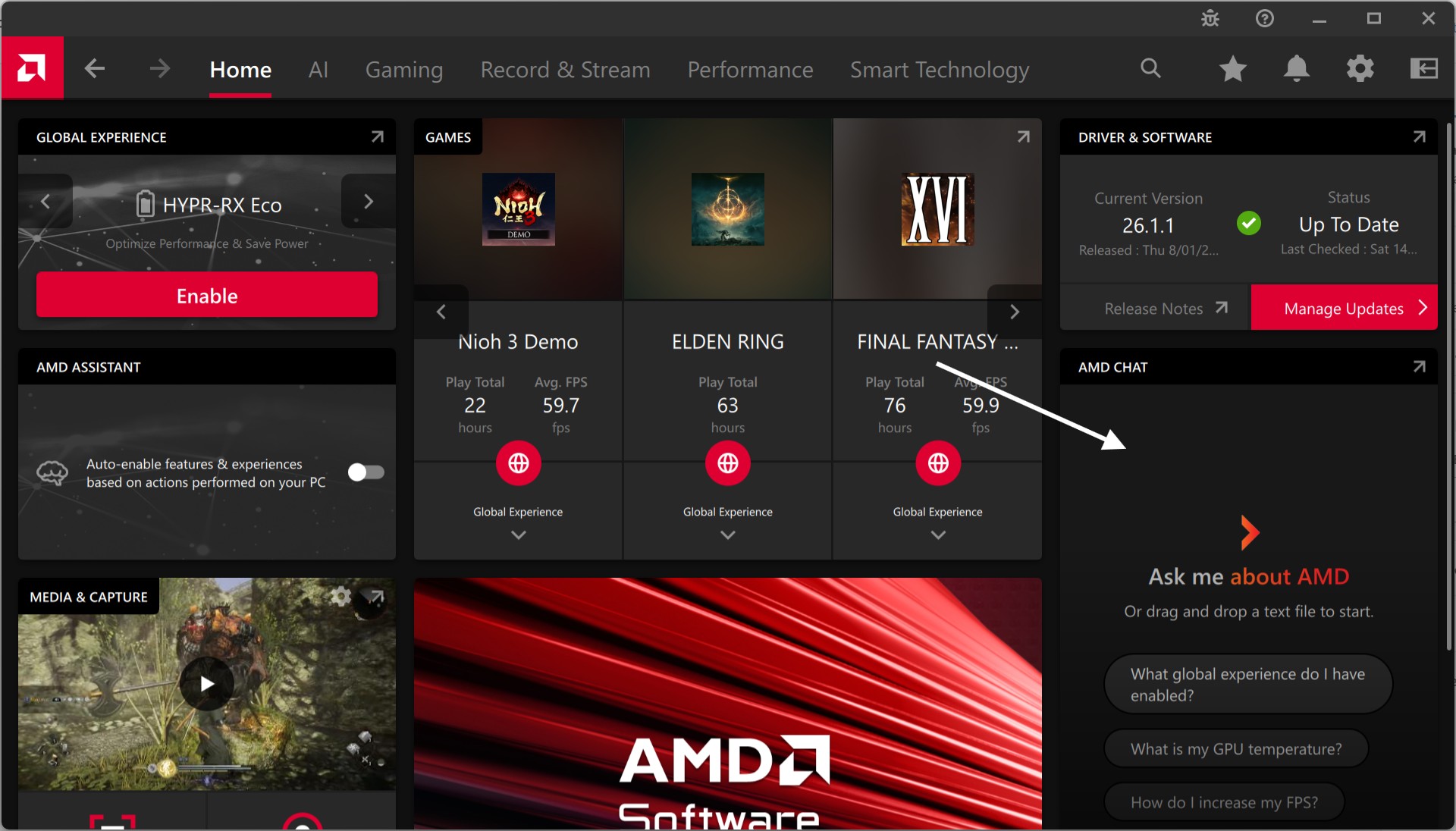
At first glance, it’s alright. The interface is mainly laid out into four segments, the main top bar featuring the search, the top level navigation menu, a second level navigation menu and then the main content area. This layout presents quite a few issues, and gets confusing when you navigate between pages as it isn’t as intuitive as the Nvidia app. Additionally, the speed at which the pages load is not as fast.

Ever since the launch of RDNA 4, they have decided to continuously advertise AMD Chat on the home screen, which is completely useless and a waste of space.
Overlay
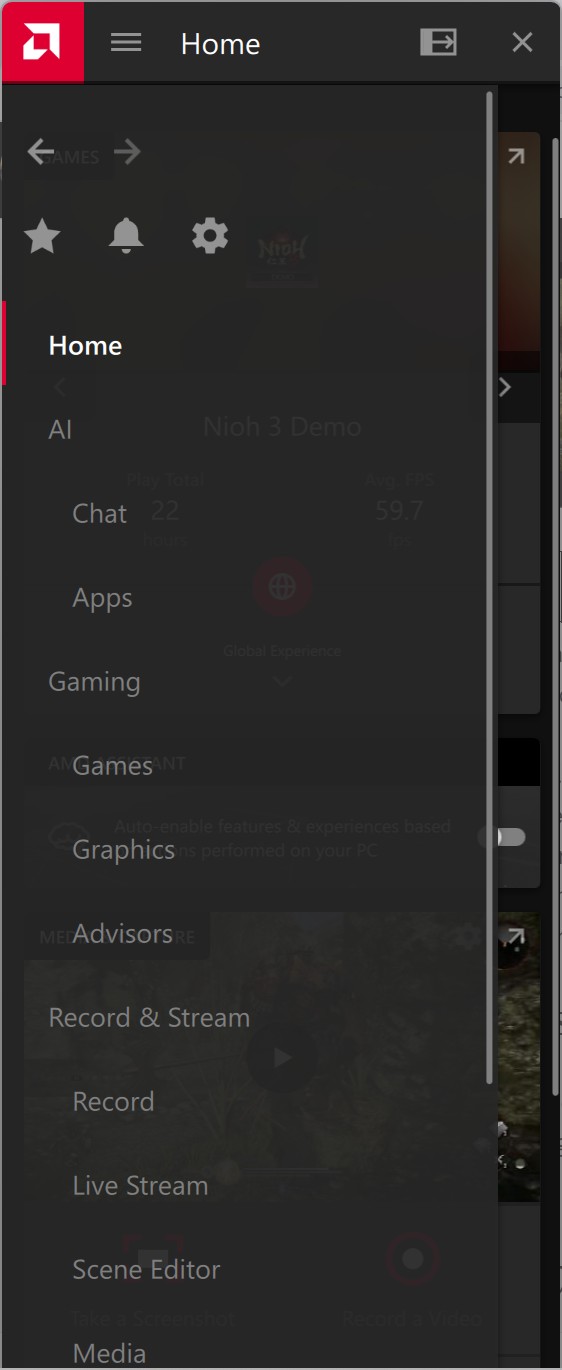
This is an area where Nvidia is simply way better at. The AMD overlay is both functionally bad and less reliable than Nvidia. How do I know that? I can’t count the number of times I have accidentally activated the Nvidia overlay while I had owned any Nvidia card. In this scenario, this is a good thing as it means the overlay works quite reliably. In contrast, I can’t count the number of times the AMD overlay has given me trouble. It has a higher chance to not open, and when it does the layout is very unintuitive. Every menu option must be accessed by a popover navigation menu, unlike Nvidia which displays a list of menu options at the start. It also runs smoother than AMD, and doesn’t randomly decide to lock your cursor when it fails to open, meaning you need to restart the game for it to work again or somehow get the app to open again.
Crashes
This software crashes a lot. I don’t even need to do much to make it crash. For example, opening the application and then navigating to any page has a 20% chance of crashing the app. Fortunately this is decoupled from the driver side, so it doesn’t mean the driver crashes but this is still not good enough.
Windows Updates and Adrenalin
Windows has the ability to override the driver you installed from AMD’s website if they hold a newer version. While normally automatic driver updates are good, it is NOT good when AMD tightly couples their the Adrenalin software to the specific version of the driver.
Unlike Nvidia, who distribute the applicated separately to the driver which is compatible with a wide range of driver versions, AMD decided to have the software update alongside the driver. So, when Windows decides to auto update your current driver to the newest version, it completely messes up the Adrenalin software and removes features that were once there. You need to go back to the AMD website and reinstall the driver to fix this. Why is this a thing??? What’s worse is if you try to do the native Windows driver rollback in device manager, it doesn’t completely roll back all driver components and will lead to crashes. Why can’t AMD do it the Nvidia and Intel way (that’s right even Intel, who entered the market not so long ago, has a decoupled application), and separate their driver from the application software? It would not only prevent these stupid crashes from occurring due to their incompatibility, but AMD could also provide more frequent updates to Adrenalin itself outside of their driver release cadence.
Thoughts
From my personal experience, the AMD software side is quite poor. I believe there are many usability improvements that need to be addressed, including the responsiveness of the app and strange behaviour with the overlay. Based on my experience, I would only get an AMD card for the price. Period. None of the software features are any better than Nvidia. Even Intel is at least trying, whereas AMD is sleeping at the helm. In the future, I do not plan to get another AMD card at all.
If you had read online that AMD driver issues were a thing of the past, you would be partially correct. What these claims don’t mention is the barrage of strange and really annoying issues that plague their software which make it a pain in the ass to use. To me these issues classify the the driver as being an overall worse experience to Nvidia. The number of crashes I have had with AMD already eclipse those I have experienced on Nvidia over the 8+ years of using them. Its just not good enough.
In the interim, I would suggest AMD rethink their driver software suite. It seems that sticking with the Qt framework has not allowed them to fix many of the software issues regarding crashing. At this point I wouldn’t even care if they went the Nvidia route and just made a CEF app wrapper, at least that’s working for Nvidia and they can very quickly update it with new features.
Leave a Reply